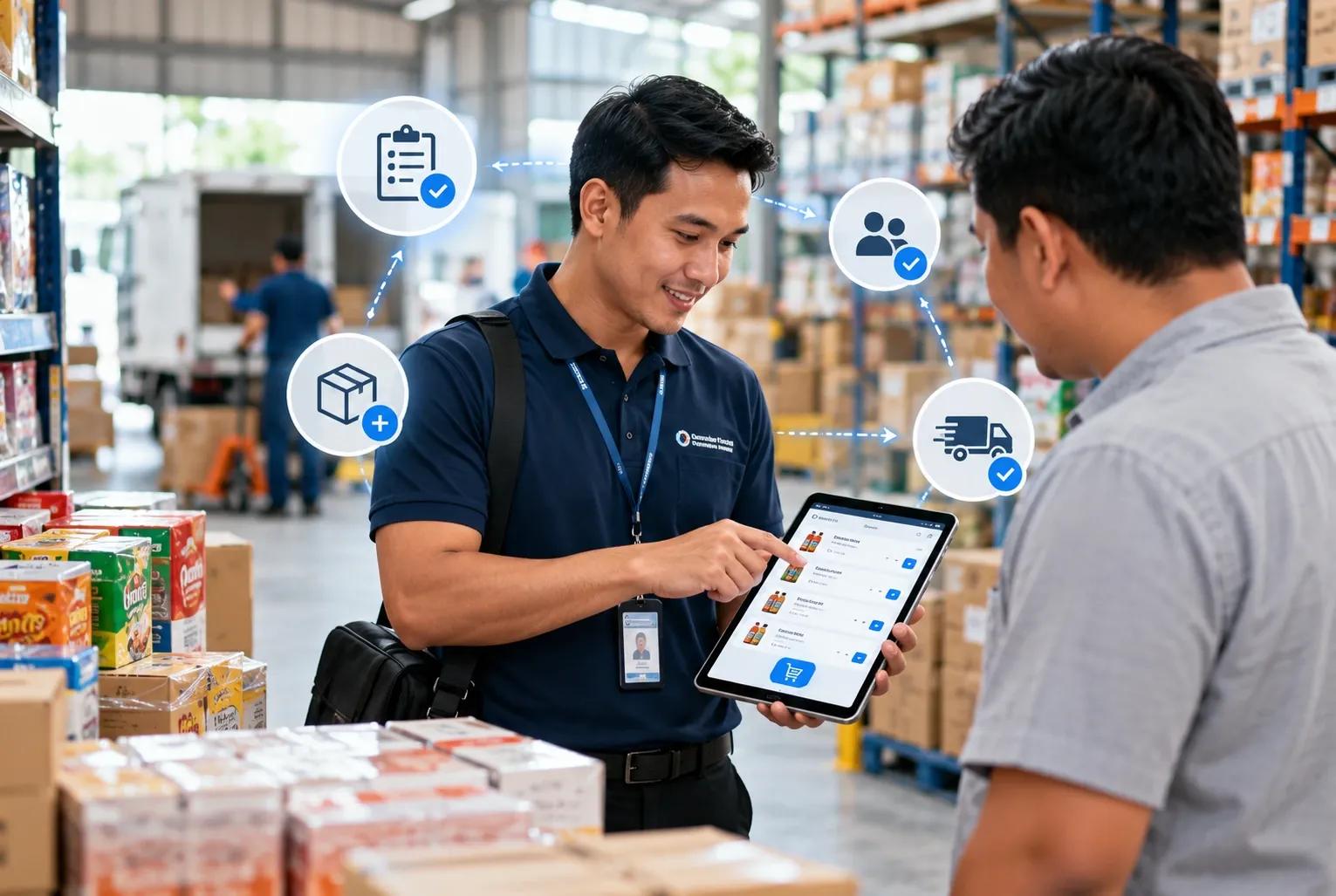
Taking orders is the process of recording customer orders by the sales team during outlet visits. As the first step in the order fulfillment process, the speed and accuracy of order taking can affect the next stages of distribution.
With a digital taking order system, distributors can process orders faster, reduce input errors, improve sales productivity, and support a more efficient distribution process. When sales taking order is delayed, orders can take longer to process, affecting fulfillment time and delivery schedules.
Common Challenges Salesman Face in the Sales Taking Order Process
A manual sales taking order process can create several issues for distributors. Here are the most common challenges sales representatives face:
- Manual Order Taking
Recording customer orders by hand or through chat messages leaves room for mistakes. A salesman may enter the wrong product, quantity, or customer information. Even a small error can affect order fulfillment, customer service, and the salesman's performance.
A digital sales taking order application allows salesmen to record orders directly through the system. Through integration with WMS, the application can show current stock availability while the order is being taken. Salesmen can check availability directly instead of contacting another team for the information - Duplicate Data Entry
Manual processes can require the same order information to be entered several times by different teams. A salesman may record the order first, then the admin enters the same information into another system for processing. - Limited Stock Information
Salespeople may not always have access to current stock information when taking orders from customers. When a customer asks about product availability, the salesman may need to contact the warehouse or admin team before confirming the order. - Data Processing Takes Time
Once an order has been recorded, the information needs to reach the admin or distribution team before it can be processed. The process can take longer when salespeople are working far from the distribution center and need to contact the office by phone to submit an order.
The longer it takes for order information to reach the relevant team, the longer the customer has to wait before the order can move to the next stage.
4 Ways SFA Can Speed Up the Taking Order Process
Sales Force Automation (SFA) can simplify the taking order process by bringing key sales activities into one application. From recording orders and checking stock to monitoring field activities, the system helps sales teams handle daily tasks directly from the field.
- Digitize Sales Order Taking
The taking order process starts when a customer places an order. Instead of writing order details on paper and entering them again, salespeople can record orders directly through the SFA application during the outlet visit.
Once the order is submitted, the information is recorded in the system without additional manual entry. This reduces the risk of errors in product names, quantities, and other order details while reducing repetitive administrative work. - Check Product Availability
Product availability is often the next concern when customers ask whether an item is available to order. Through SFA, salespeople can check current inventory directly from the application while visiting the outlet.
The available stock information can be used to confirm which products can be included in the order before it is submitted. Salespeople do not need to contact the warehouse or admin team for confirmation. - Reduce Duplicate Data Entry
With SFA, sales orders can be recorded directly in the system during customer visits. The information can then be shared with the relevant teams for further processing without requiring salespeople or admins to enter the same order details again. This reduces repetitive data entry and allows orders to move to the next process faster. - Access Customer Information During Visits
Customer information can also help salespeople prepare for each outlet visit. Through SFA, salespeople can access customer profiles and previous transaction records while they are in the field.
This information provides context when discussing products and taking new orders. Instead of starting each visit without knowing the customer's purchase history, salespeople can refer to previous transactions and have a more informed discussion with the customer.
Speed Up Your Sales Taking Order Process with BOSNET Mobile Distribution
BOSNET Mobile Distribution helps businesses monitor sales visits, validate field activities, manage sales routes, and track sales performance in real time through a single integrated platform.
Get real-time visibility into field sales activities and actionable insights from every outlet visit. BOSNET helps businesses increase revenue, reduce costs, and improve sales execution across the distribution network.
Ready to digitalize your sales force?
Contact us to discover how BOSNET Mobile Distribution can manage your salesman activities in one integrated solution.
#BOSNET #BestFMCGRunsBOSNET #Distribution #SupplyChain #IncreaseRevenue #ReduceCost