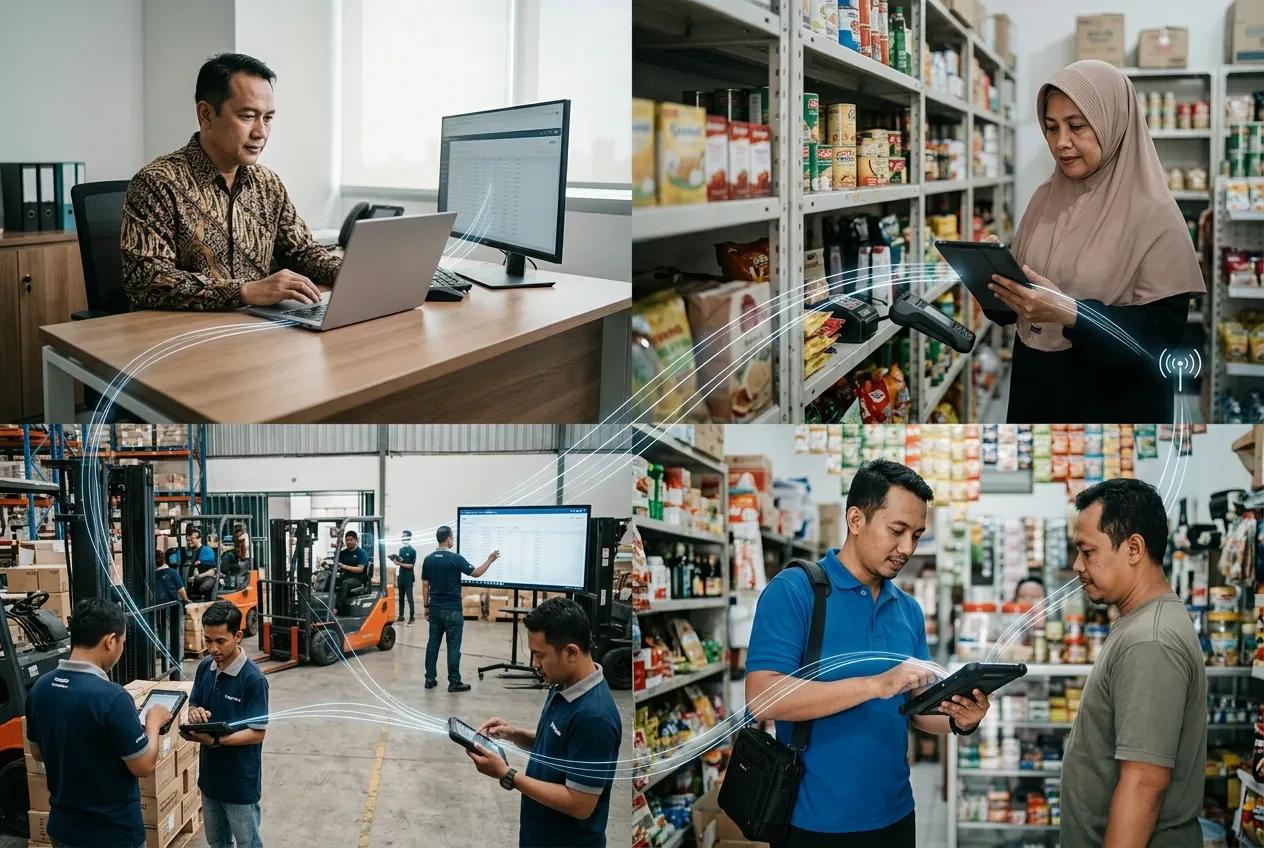
A product moves through several stages before reaching the outlet. Behind the movement of goods, data also flows between the principal, distributor, sales team, and outlet.
When an order is received, stock needs to be checked before the goods are prepared and delivered. Stock levels need to reflect the transaction, invoices need to be issued, and payments need to be reconciled. The data generated throughout these activities can then support the principal in reviewing market demand and planning future promotions.
The challenge arises when each party uses different systems. Principals have visibility into product distribution, distributors hold inventory and transaction data, sales teams collect information from the field, and outlets provide insight into customer demand.
Without integration, teams need to check multiple systems and reports to understand the full distribution process.
How Data Flows Between Principal, Distributor, Sales, and Outlet
- Governance
The principal establishes the core information used throughout the distribution process, including SKU codes, product names, units, carton configurations, categories, prices, discounts, territories, assigned distributors, sales targets, program periods, and promotional terms. The distributor then maps this information into its internal system.
Problems can arise when the principal and distributors use separate systems. For example, different distributors may record the same product under different SKU codes. Outlet names and other customer details can also vary across systems. - Sell-In
Distributors place purchase orders based on inventory levels, demand forecasts, sales targets, lead times, and safety stock requirements. The principal processes the order, allocates the required products, issues the relevant sales documents, and delivers the goods to the distributor.
The process generates information such as PO numbers, SKUs, quantities, prices, discounts, order dates, delivery schedules, batch numbers where applicable, invoices, and goods receipt status. - Sales Planning and Outlet Coverage
The distributor translates sales targets into plans for branches, supervisors, territories, routes, and sales representatives. Outlet data is then organized based on location, channel type, sales potential, visit schedules, payment terms, and transaction history. Sales teams receive their assigned outlet lists and visit plans through field applications or Sales Force Automation (SFA).
Accurate outlet data is essential at this stage. Duplicate outlets can make coverage appear larger than it actually is, incorrect coordinates can affect route planning, and outdated outlet status can result in sales representatives being assigned to outlets that are no longer operating. - Sales Visits
During an outlet visit, the system can record information such as check-in time, location, outlet, visit purpose, and visit results. Sales representatives can also access relevant information before or during the visit, including purchase history, active programs, outstanding receivables, and products available for sale.
When an outlet places an order, the sales representative records the sales order with details such as the selected SKUs, quantities, prices, discounts, and requested delivery date. - Order Validation
Orders submitted by the sales team are sent to the Distribution Management System (DMS) for review. The system or authorized team checks whether the order meets the required conditions, including stock availability, pricing, discounts, credit limits, overdue receivables, minimum order quantities, delivery schedules, and approval rules.
Once the order is approved, it can proceed to the warehouse for picking. This validation process helps prevent orders for unavailable products, unauthorized discounts, and transactions that could increase credit risk. - Fulfillment
The warehouse prepares approved orders through picking, packing, and loading activities. As these activities are recorded, the warehouse system updates the relevant inventory information, including available stock, allocated stock, and goods issued for delivery.
The system then generates a delivery order with the information required for the delivery process, such as the outlet, products, quantities, and delivery details. - Delivery
Before products are delivered, delivery routes can be planned based on factors such as outlet locations, delivery schedules, and vehicle capacity to determine an efficient route for each trip.
Once the delivery is completed, the transaction continues with the recording of proof of delivery, delivery time, actual quantities received, shortages, rejected products, and returns. - Invoice and Collection
After the delivery is completed, the distributor issues an invoice based on the goods actually delivered and the applicable business terms. For credit transactions, the due date becomes part of the collection process.
When payment is received, it is matched against the related invoice. Any approved discounts, returns, or payment differences are also reflected in the transaction. The payment information then updates accounts receivable aging and the customer's available credit limit.
Delays at this stage can affect future orders. An outlet that has already made a payment, for example, can remain blocked from placing a new order if the payment has not yet been recorded. - Data Returns to the Principal
Distributors provide the principal with information from across the distribution process, including sell-out, inventory, outlet data, sales visits, returns, promotion results, deliveries, and collections.
With a single distributor, this information can often be retrieved from the distributor's system. The process becomes more complex when a principal works with multiple distributors that use different systems, data formats, and product or outlet codes.
This is where an integration system becomes important, helping connect data from different distributors so the principal can consolidate and review distribution information through a single view.
Connect Your Data and Systems with BOSNET Disti Integrator
BOSNET Disti Integrator helps businesses integrate data across multiple systems, automate data synchronization, and consolidate distribution data. It reduces manual work and supports faster access to information for reporting and monitoring.
Connect your systems and simplify data management with BOSNET Disti Integrator.
Contact us to learn how BOSNET Disti Integrator can integrate your systems and automate data synchronization.
#BOSNET #BestFMCGRunsBOSNET #Distribution #SupplyChain #IncreaseRevenue #ReduceCost